
ACERIS helps you define which configuration fits your installation and coordinates the project with Qualicard. Installation and commissioning is carried out by the brand's technical team or authorized installers depending on the project.
Access control
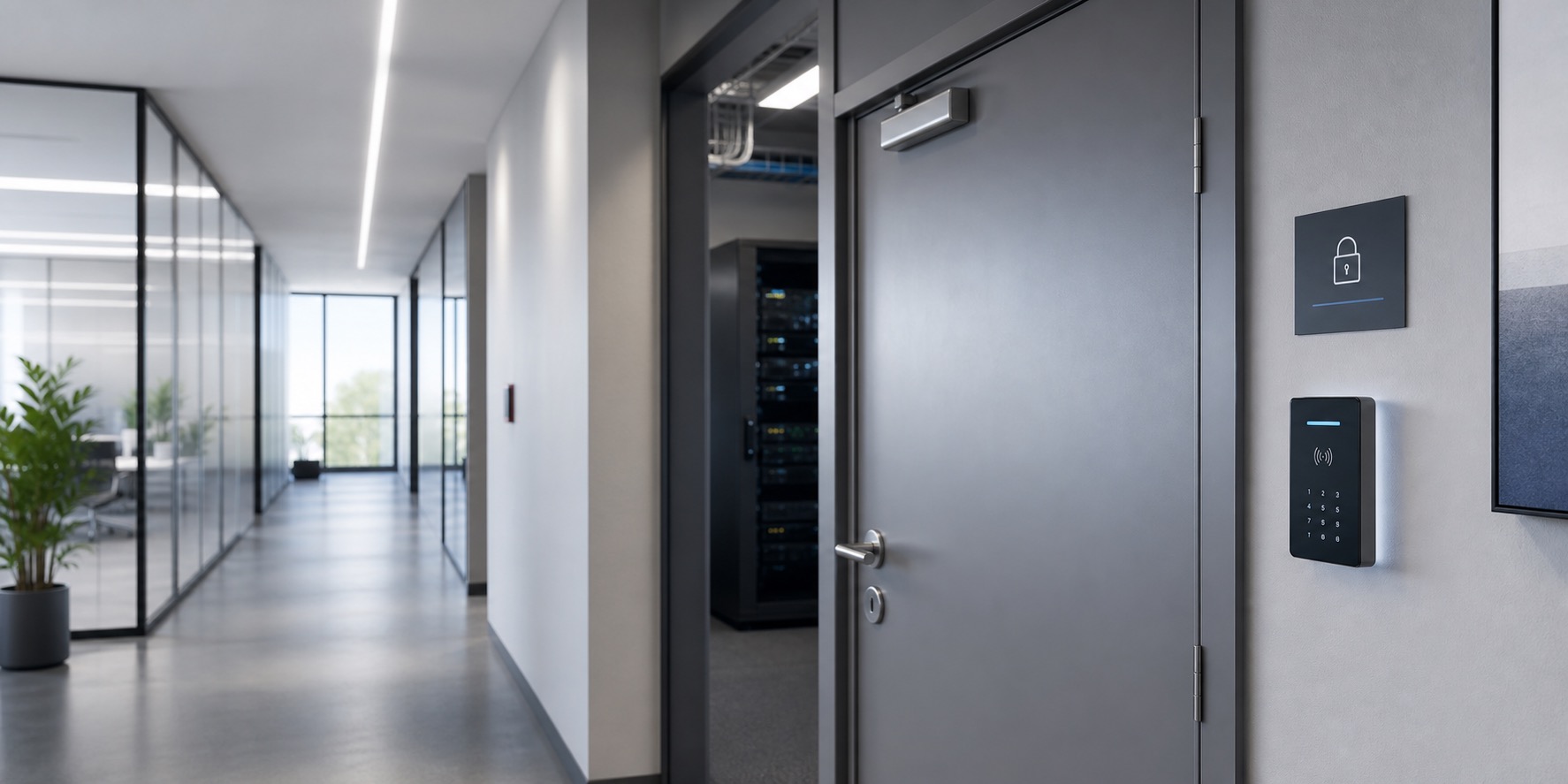
Access control doors and restricted areas
Solutions to control access to warehouses, technical rooms, files, offices, changing rooms and internal areas where only authorized personnel should enter.
When does it make sense to control a door or restricted area?
In many companies there are areas where no person should access: warehouses, technical rooms, archives, laboratories, offices, changing rooms, maintenance areas or internal areas with documentation, material, equipment or sensitive information.
In these cases it is not always necessary to install a turnstile or a speed gate. Many times the appropriate solution is to directly control the door using a reader, a controller and a compatible locking system, so that only authorized people can access.
This type of control allows you to limit access by user, time or profile, record movements if the system is prepared for it and reduce the use of physical keys, which are usually difficult to manage when there is staff rotation, changes in permits or several people in charge of the same area.
Before proposing a solution, it is important to review the type of door, the existing closure, the available power supply, the wiring, the way of exit from the interior, the level of security required and whether there is already an access control system, credentials or software in use.
This is how access control works on a door
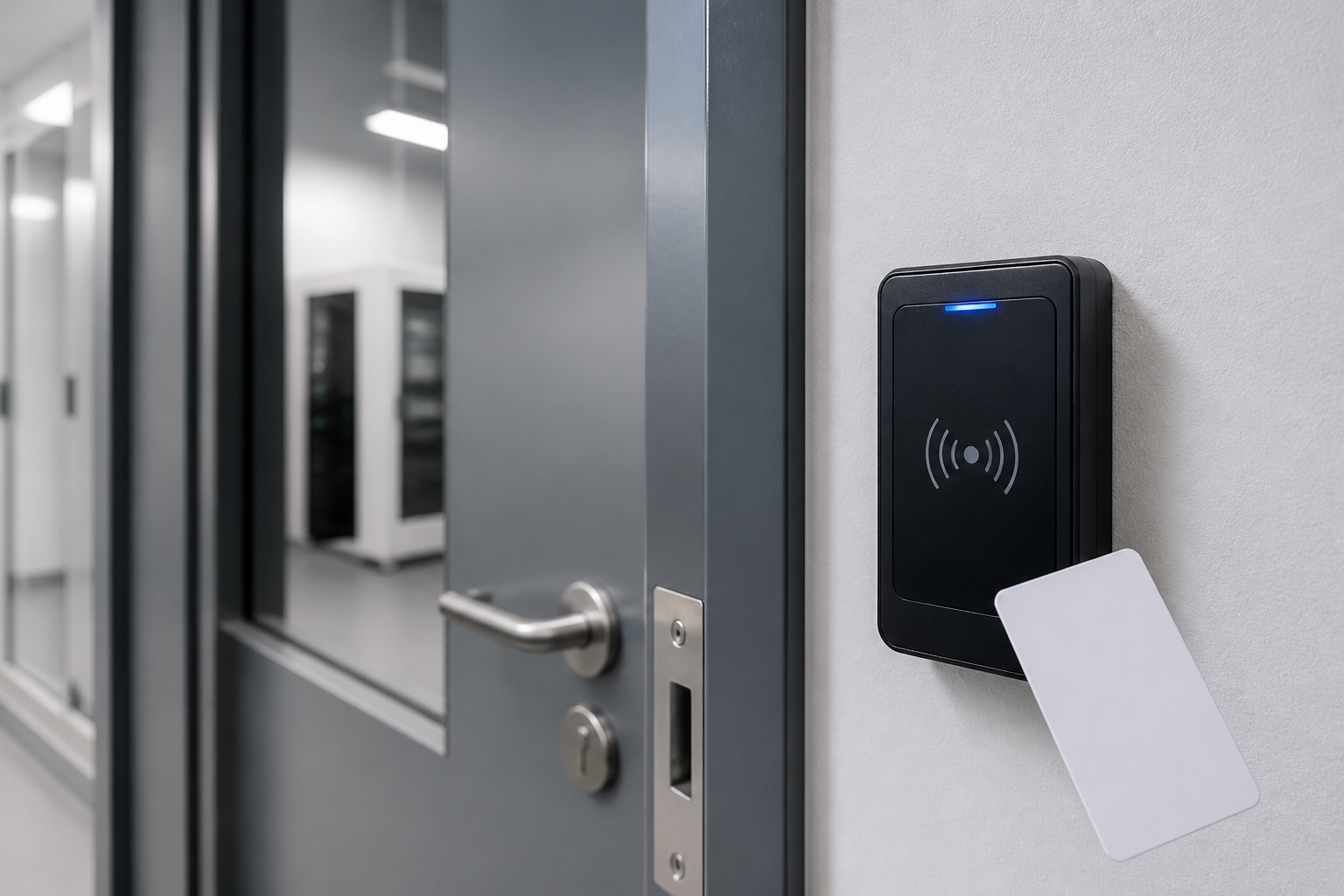
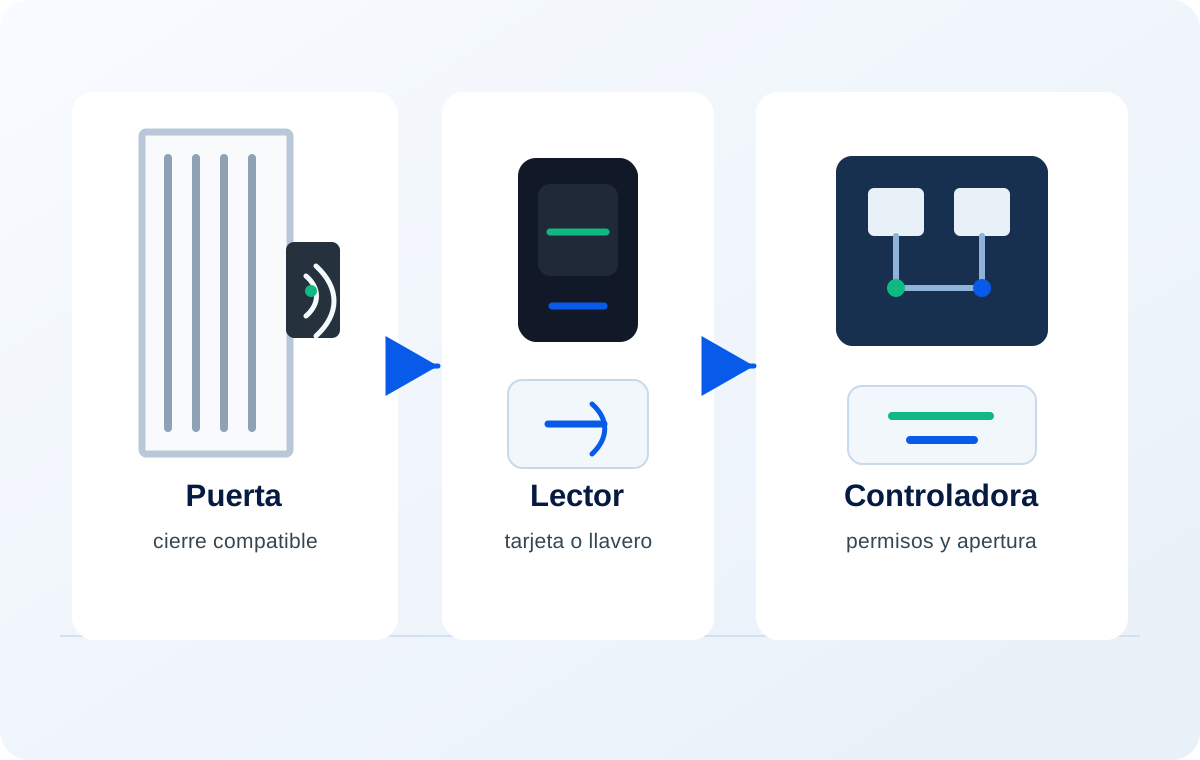
The door is the physical part of the access, but authorization depends on the assembly formed by the credential, reader, controller and locking system. That is why it is not enough to place a reader: you must define how the user identifies himself, what permissions he has and what element unlocks the door.
- Identification The user is identified by card, RFID/MIFARE key fob or other compatible system.
- Reader The reader validates the credential and sends the request to the control system.
- Controller / software The system checks permissions, schedules, authorized areas and access rules.
- Door opening If the user is authorized, the compatible locking system is activated and the door can be opened.
Usual configuration for doors and restricted areas
The usual configuration to control a door combines an access reader, a controller, compatible credentials and an electric locking system adapted to the type of door. Depending on the case, an electric door opener, an electric lock, an electromagnet or another compatible element can be used.
It may also be necessary to install an exit button, an unlocking system from the inside, door status sensors or auxiliary security elements. It all depends on the use of the area, the level of control required and how the door must behave on a day-to-day basis.
In companies with several doors or internal areas, the solution can be centralized to manage permissions by user, schedules, departments or profiles. Thus, a person can have access to some areas and not others, without depending solely on physical keys.
- RFID/MIFARE reader next to the door.
- Controller to validate permissions and manage opening.
- Electric lock, door opener or electromagnet compatible.
- RFID/MIFARE credentials: cards, keychains or bracelets as appropriate.
- Exit button or exit system opening from the inside if applicable.
- Management of permits, schedules and access records if the system allows it.
If the solution uses cards, keychains or bracelets, we also review the RFID/MIFARE credentials suitable for installation.
What do we review before quoting?
Each door is different. Before recommending a solution, we review the key points to avoid incompatibilities and ensure that the system adapts to the actual use of the area.
Type of door
We check if the door is made of wood, aluminum, glass, metal, firebreak or technical, since this determines the type of compatible closure.
Existing lock or lock
We check what closing system it currently has and if it can be adapted to a safe electric opening.
Opening and exit direction
We assess how to enter and how to exit, whether an interior button, free exit opening or some specific system is required.
Power supply and wiring
We verify if there is nearby power, possibility of wiring and network or communication needs with the controller.
Users and permissions
We define which people can access, at what times, to which areas and with what type of credential.
Security level required
Controlling an internal warehouse is not the same as controlling a technical room, sensitive archive or laboratory. The level of security determines the solution.
Existing systems
If there is already software, cards, readers or controllers installed, compatibility is checked before proposing a solution.
Common mistakes to avoid
Access control at doors seems simple, but it can cause problems if the equipment is chosen without first checking the door, the closure, the power supply and the actual way of use.
- Install a reader without checking if the lock or closure is compatible.
- Do not foresee how the door will open from the inside.
- Using a solution that is too basic for an area with greater security needs.
- Do not check power supply, wiring or communication before choosing equipment.
- Assume compatibility with existing credentials or software.
- Maintain physical keys without defining a clear system of registrations, cancellations and permissions.
- Do not anticipate what happens in the event of power outages, emergencies or evacuation needs.
Elements that can be part of the solution
Depending on the type of door and the level of control needed, the solution can combine different elements. The key is that reader, controller, closure and credentials work coherently.
RFID/MIFARE readers
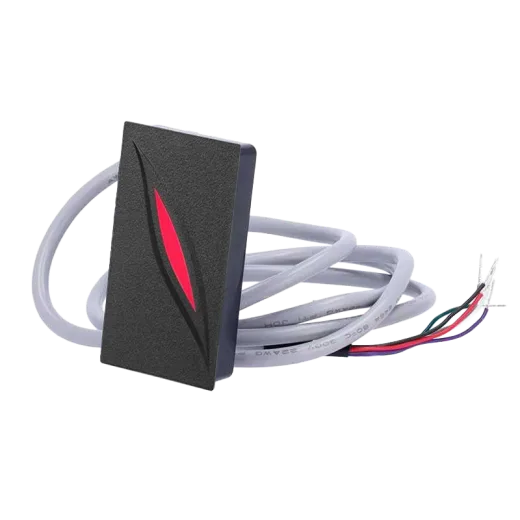
They allow the user to be identified by card, keychain or compatible credential before authorizing access.
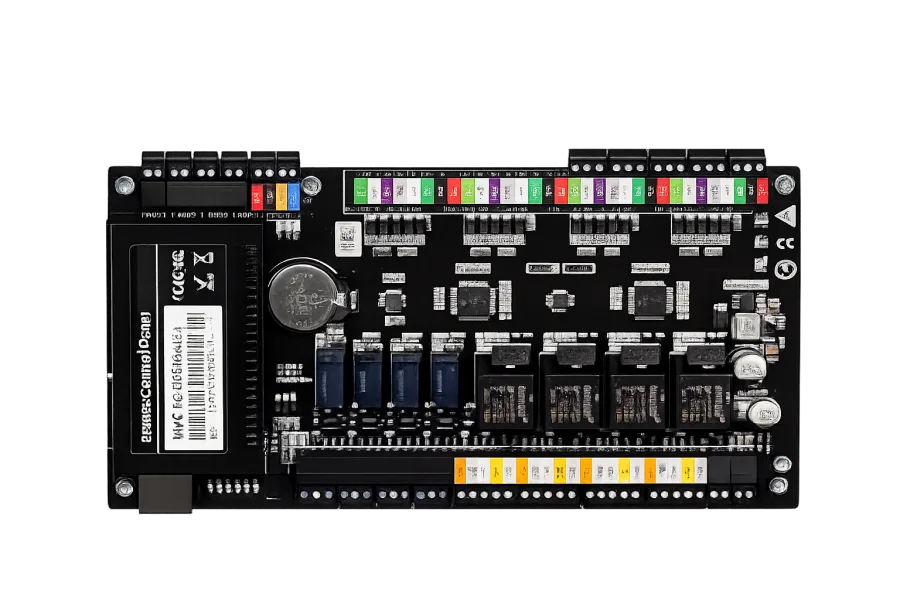
Controllers
They validate permissions, schedules and access rules, and send the opening order when appropriate.
Electric locks and door openers
They allow the door to be opened when the user is authorized, always according to compatibility with the door.
Electromagnets
They can be used on certain types of doors when the project requires an electromagnetic closure. compatible.
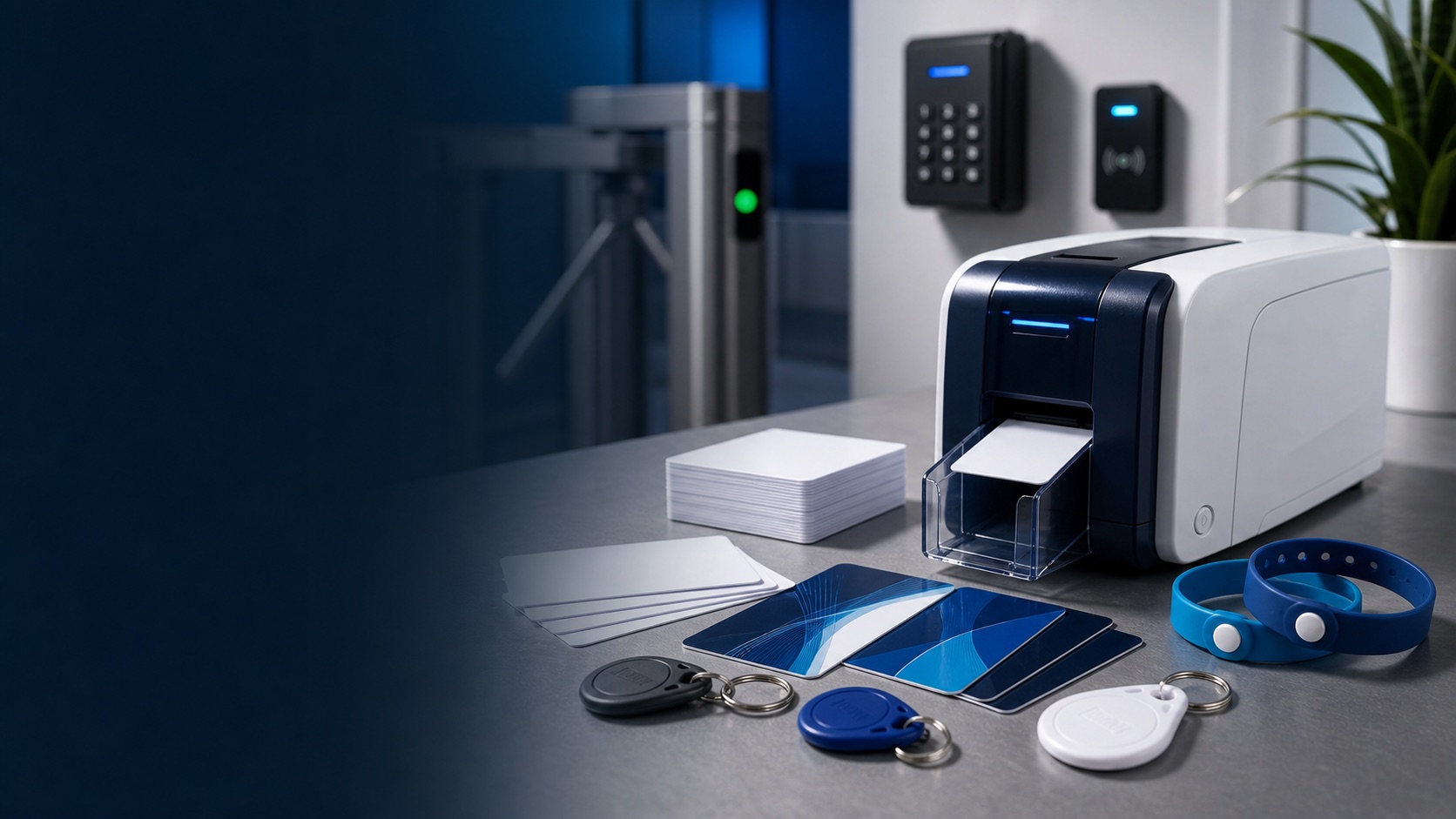
Credentials RFID/MIFARE
Cards, keychains or bracelets that allow employees, managers or authorized personnel to be identified.
The choice of equipment depends on the type of door, the existing closure, the level of security required and the compatibility with already installed systems.
FAQ
Frequently asked questions
Can a door be controlled without installing a turnstile?
Yes. In many restricted areas it is not necessary to install a turnstile. It may be sufficient to control the door itself using a reader, controller, compatible credential and an electric locking system appropriate to the type of door.
What type of lock do I need?
It depends on the type of door, the current closure and the level of security required. An electric door opener, an electric lock, an electromagnet or another compatible system may be considered. That's why it's a good idea to check the door before budgeting.
Can I use RFID cards or key fobs?
Yes, the usual thing is to use cards, keychains or credentials RFID/MIFARE. If the company already uses credentials, you must first check the compatibility with the readers and the control system.
Can it be recorded who enters each area?
Yes, if the solution includes a controller or software prepared for it. In that case, accesses can be registered by user, date, time and zone, always according to the system configuration.
What if I already have a system installed?
If there is already a control system, software, reader or credentials in use, compatibility must first be checked. It is not advisable to take compatibility for granted without checking which readers, controllers or protocols the current system supports.
Who coordinates the commissioning of the system?
ACERIS helps you define the solution and coordinates the project with Qualicard. The installation and commissioning is carried out by the brand's technical team or authorized installers depending on the project.
Can access be limited by schedule or users?
Yes, if the system includes permission management. Control can be assessed by user, time, profile or zone, always according to the capabilities of the software and the chosen configuration.
Proposal
Request a proposal for this access
Do you want to control a door or restricted area?
Tell us what area you need to protect and we will help you to define which combination of reader, controller, closure and credentials best fits your installation.
Or contact us by phone or email